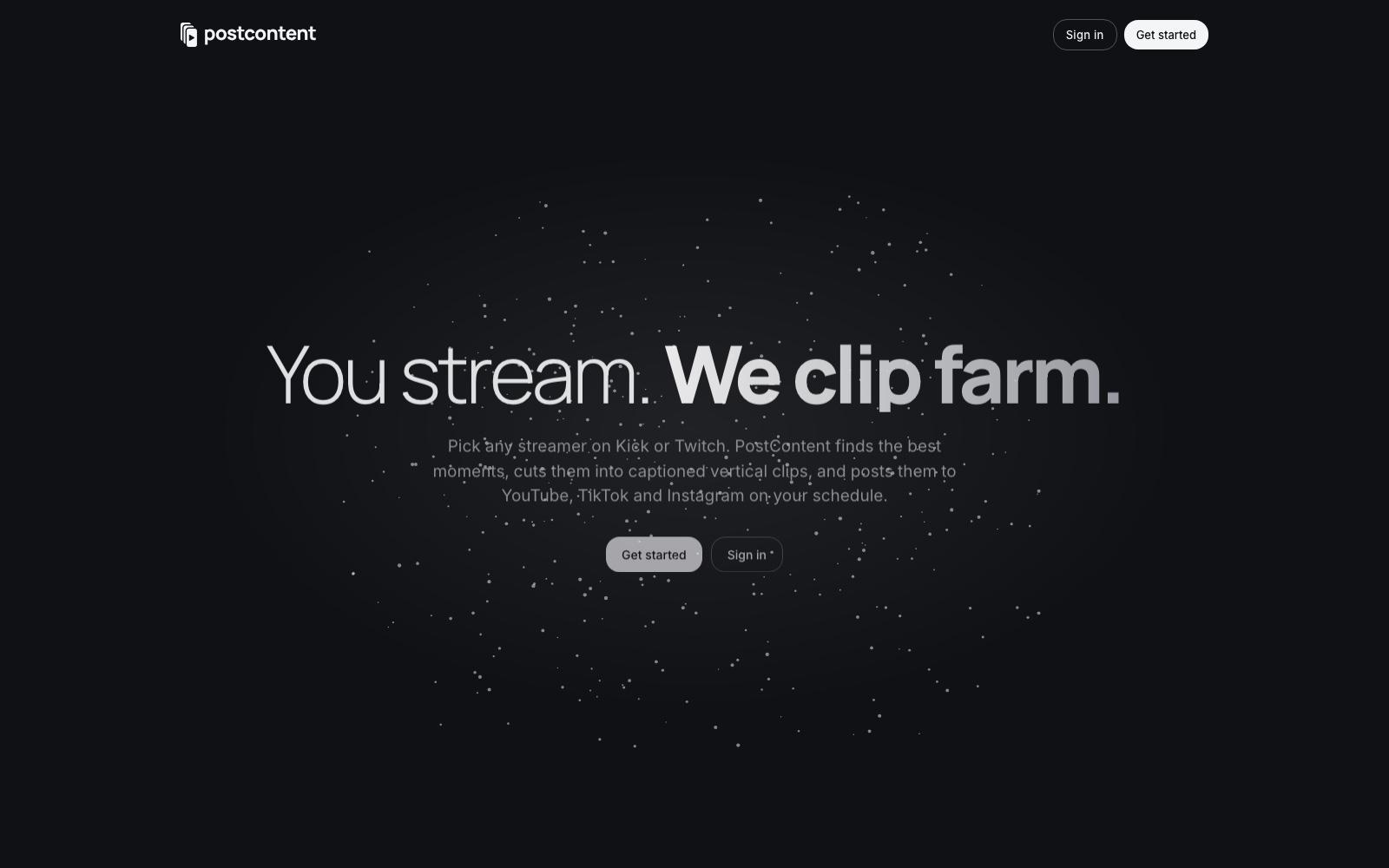
Clips from every stream, posted on schedule. Pick any streamer on Kick or Twitch; PostContent finds the best moments, cuts them into captioned vertical clips, and posts them to YouTube, TikTok and Instagram at your times — every new stream, without anyone pressing a button.
18 posts today · 6 accounts · next at 5:00 PM


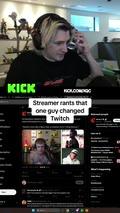
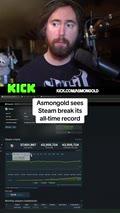
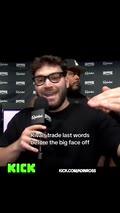

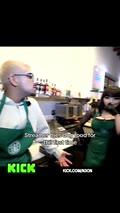
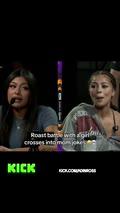

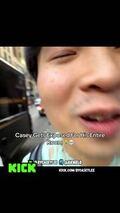
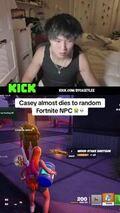
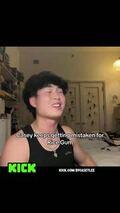


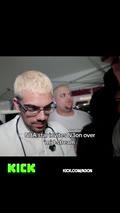

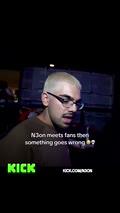
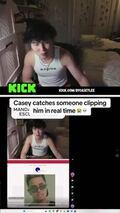
One day's queue · six accounts · every slot a clip the engine cut
A clip farm. Streamers go live for hours; the moments that travel are thirty seconds long and need to be on TikTok, Shorts and Reels the same day, cut vertical, captioned, three times a day, on every account. PostContent is the machine that does that — for a streamer clipping themselves, or for a clipper running a dozen pages off other people's streams.
Add the channels, connect the accounts, set the times. From then on every stream is recorded, listened to, scored, cut and posted on its own. A Studio sits in the middle for the clips worth a second look — move the cut, rewrite the line, add sound — and analyticsclose the loop, so the next stream's picks get better.
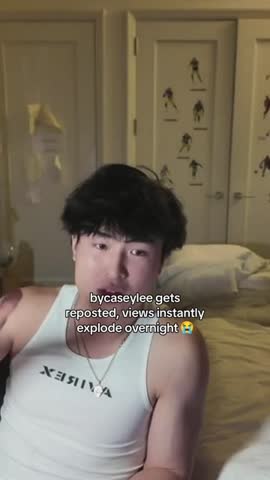
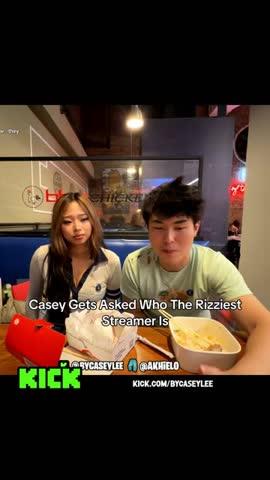
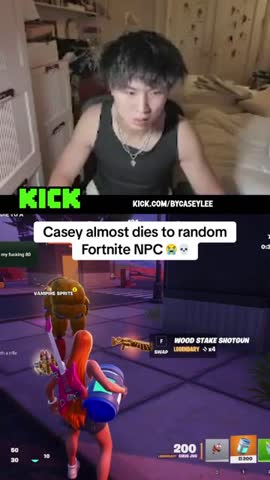
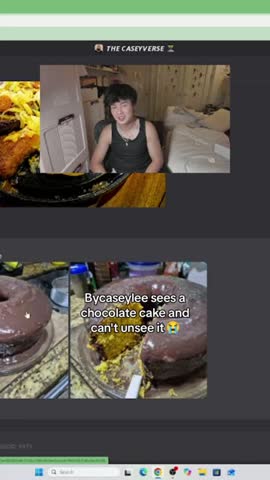
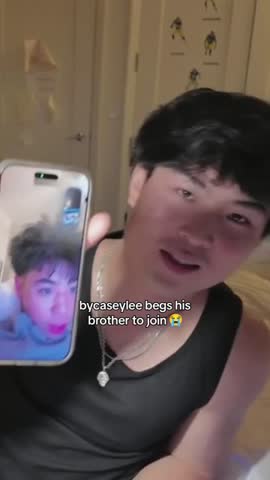
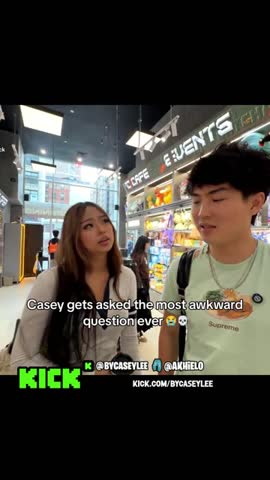
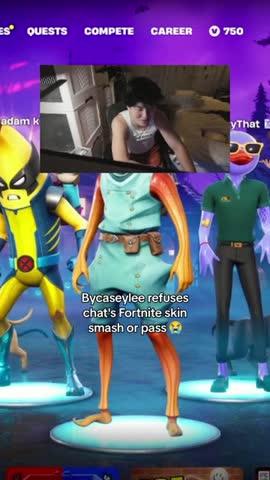
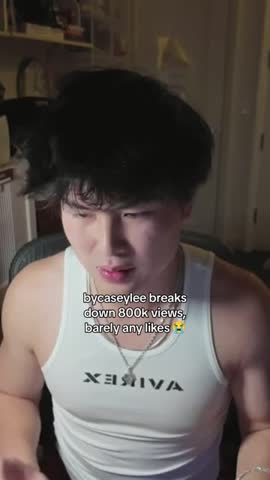
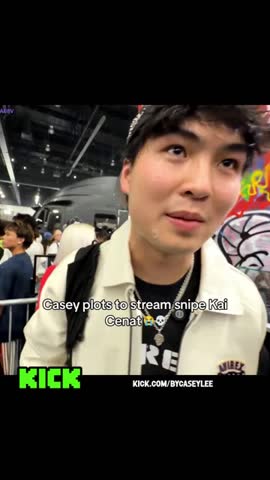
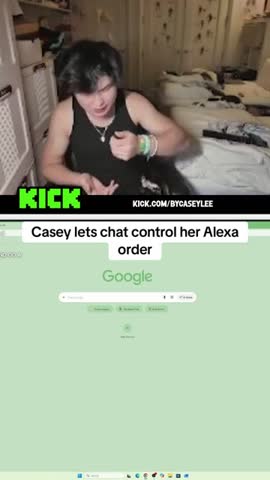
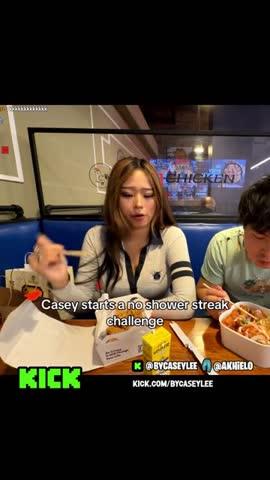
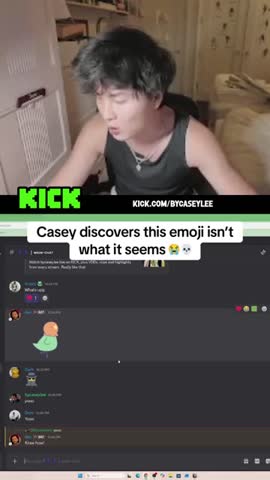
Real clips from Kick streams, cut and captioned by the engine
Three steps, then it runs itself.
Add the channels you clip
Pick any streamers on Kick or Twitch, as many as you like. Every stream they go live with is recorded and watched end to end.
Connect your accounts
Sign in with YouTube, TikTok or Instagram — one page or a whole farm of them — and choose who can see the clips.
Clips go out on schedule
New clips post at your times with your settings. Turn it off or disconnect whenever you like. Every new stream, again.
What the engine does with a four-hour stream, in order. Each stage is its own task; the panel runs them, the worker does the work.
Record
The stream is captured as it happens and kept in the archive, so a clip can come from any minute of it — not just the parts someone was watching.
Hear
The whole recording is transcribed, word by word with timing, so the engine knows what was said and when the room went quiet.
Pick
Claude reads the stream and scores the stretches worth a clip — the reactions, the bits, the moments viewers clipped themselves — and writes each one a hook line.
Cut
ffmpeg cuts the stretch into vertical video. The layout is detected from the footage: a cam over a game, a video chat, a split — and a clip that changes layout mid-way renders each part in its own look.
Caption
The hook is burned in, kept inside the band every phone shows, with the platform's own emoji. Explicit audio is kept, not swapped out.
Post
Each clip is booked into the next free slot on every connected account — three a day per account — and goes out through YouTube's, TikTok's and Meta's own APIs.
Learn
Views, likes, followers and watch-through come back from every platform, so the next stream's picks and captions get better.
Every clip, open to change. Open one to move the cut, rewrite the line, switch the layout, or add sound, effects and overlays. Leave it alone and it goes out as it is.

Move the cut
Both ends of the clip drag on a frame strip. Snap to the pauses in the transcript so a cut never lands mid-word.
Cuts and transitions
Take a dead stretch out of the middle; the two sides crossfade. Undo, box-select, copy and paste across the timeline.
Rewrite the line
The hook is editable in place, previewed exactly as the renderer will draw it — the preview is a port of the caption code.
Transcript beside the video
Every word, clickable. Pauses show as pills; click one to cut there.
Sound and effects
A waveform lane under the strip, a music bed ducked under speech, sound effects placed on the timeline — or let Claude place them with one click.
Overlays and layouts
Draw over the render, switch the layout, and preview the stream reframed into the clip's crop for every format.
Posted clips, edited as a copy
Open a clip that already went out, change it, and the edit joins the pool as a new version — the post stays up.
Render once
Edits save as drafts; one finish job renders on leave, so a tweak never ties up the worker twice.
Every clip on every connected account, at the times you set. One page or a whole farm of them, fed from the same stream.
Direct, not through a middleman
YouTube, TikTok and Instagram are connected with each platform's own sign-in, and clips are published through their own APIs. No third-party posting service in the loop.
Standing consent, no approval queue
Settings are chosen once per account — privacy, who can see it — and every clip after that posts on its own. Nothing waits on a tap.
A queue per account
Three slots a day at the times you pick. Dated topics go first, then the clips a stream was watched for, then the backlog. Any slot can take a different video.
Analytics across the farm
Views, likes and followers from every account on one page, by day and by platform, and which clips are carrying it.
postcontent.ai
Next.js panel
The web app streamers and clippers use: workspaces and accounts, the queue, Studio, analytics. better-auth over MongoDB, every record scoped to its workspace.
Python engine
The clipping pipeline as `python -m pipeline <task>` — record, transcribe, pick, cut, caption, finish. ffmpeg does the video; it ships as its own Docker worker on Railway.
Claude in the loop
Moment scoring and hook lines, caption learning from what performed, and the one-click sound pass in Studio. Transcription runs on Whisper.
Media and records
Clip records in MongoDB, renders in a Google Cloud Storage bucket with signed download links — so neither the panel nor the worker needs a volume.
Platform APIs
YouTube Data API, TikTok's Content Posting API and the Instagram Graph API behind one publisher; a scheduler ticks every minute and a Telegram digest reports the day.
Stream archive
A Cloud Run job copies each channel's recordings into the bucket daily, so a clip can be cut from a stream the platform has already dropped.